10 best WordPress accordion plugins for different website types

How do you pack a lot of information into a website while keeping it user-friendly, especially on small screens?
Accordions are a practical way to present a large amount of information in a more compact and organized format. In WordPress, they are often used to display important questions, answers, product details, or service information. When a user clicks on a section, the relevant content expands.
Let’s take a look at the best plugins that can help you add expandable accordions to your WordPress website.
Table of contents
What is an accordion, and how is it used?
An accordion is a list of expandable sections that show or hide content when clicked. With this type of element, users can focus only on the content they are interested in.
This helps save space on the page, avoids overwhelming the user, and makes it easier to present a large amount of information.
Accordion blocks are especially common in FAQ sections. When they are used to organize helpful content and common questions clearly, they can also support SEO.
In addition, content broken into smaller sections is often easier to read and understand.
Features to consider when choosing an accordion plugin for WordPress
When choosing the most suitable accordion plugin for WordPress, there are several things to consider.
First, make sure the plugin is user-friendly and offers a simple drag-and-drop interface for easy creation and management of accordion items. Compatibility with your current theme and popular page builders like Elementor or Gutenberg is also important for seamless integration. Look for customization options that allow you to modify colors, fonts, and icons to match your site’s design. Responsiveness is essential too, ensuring the accordions look and function well across all devices.
Additionally, SEO-friendly features can help improve your site’s visibility in search engines. Support and documentation are also important, as they can make it easier to troubleshoot any issues.
Finally, consider whether you need additional functionality, such as nested accordions, multimedia support, or advanced styling options, to meet your specific needs.
Now, let’s take a look at which plugins can help you add accordion blocks to your website.
Top 10 WordPress accordion plugins compared
JetTabs (Premium)
🎹 Best for creating classic and nested accordions.
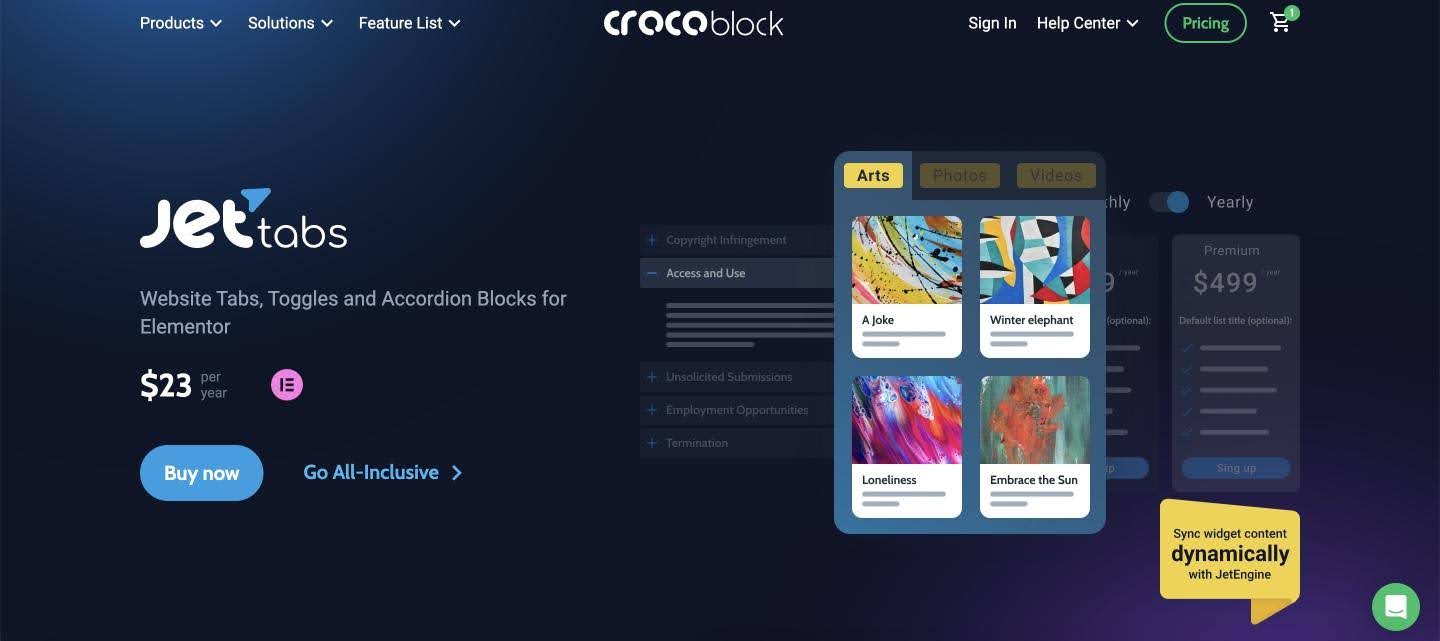
JetTabs is a plugin that helps you add necessary elements to your Elementor website, such as tabs, toggles, and accordions.
You can apply the needed design and style to make the accordion match the look and feel of your website and appear professional. If you want to add an accordion with images, you can use the handy layout and optimize its appearance as you see fit. Also, the plugin is compatible with JetEngine, allowing you to add dynamic content to your site.
Key features:
- Dynamic widget content syncing with JetEngine
- Ability to organize images into accordion blocks
- Navigation between multiple custom templates with tab controls
Pros:
- One-click switching between two content blocks
- A compact way to place different types of content on the page
- Ability to add custom templates to tabs
Cons: No free version.
Pricing: Starts at $23 per year.
Helpie FAQ (Freemium)
🎹 Best for creating FAQ sections on WooCommerce and Elementor websites.
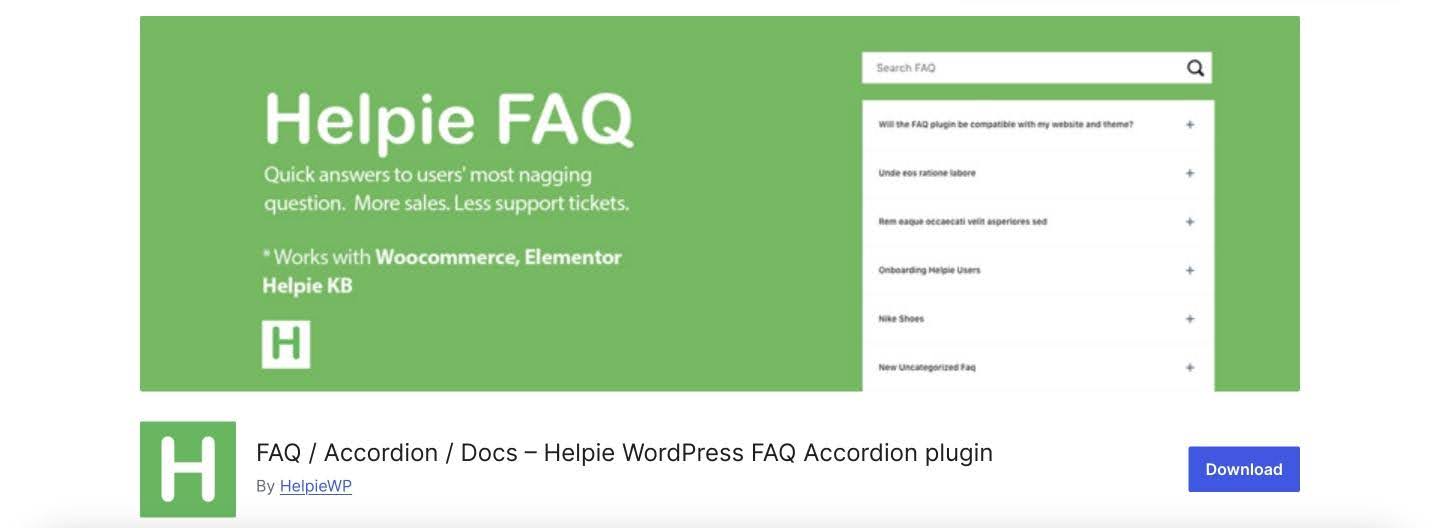
Helpie FAQ is an advanced WordPress plugin for effortlessly creating, editing, and embedding FAQs and accordions on your WordPress website.
You can create FAQ posts, assign categories and tags, and display them in responsive toggle or accordion styles anywhere on your site.
The plugin includes a basic shortcode builder for adding FAQs to any page or post.
Key features:
- Fully responsive accordion or toggle
- Possibility to sort and filter FAQs
- WooCommerce integration
- Elementor integration
Pros:
- FAQ shortcode builder
- Possibility to enable or disable the FAQ search bar
- Ability to display FAQs for all products
Cons: Some users mention that the plugin has a learning curve and lacks support.
Pricing: Free and Pro versions are available, with the Pro version starting at $38.99 per year.
Essential Blocks for Gutenberg (Freemium)
🎹 Best for creating interactive FAQ sections and content-rich accordions.
Essential Blocks is a Gutenberg block plugin that lets you build accordions with advanced styling and nesting options, right inside the WordPress block editor with the EB Accordion block.
You can display images, icons, and even nested accordions or tabs within each row, making it easy to organize long-form content like FAQs, product details, or service breakdowns. The block also comes with FAQ schema integration, helping your content stand out in search results with structured, quick-answer snippets.
Key features:
- Nested accordions and tabs for multi-level content organization
- FAQ schema integration for improved search visibility
- Support for adding any Gutenberg block inside accordion sections
Pros:
- Generous free version with core accordion functionality
- Highly customizable layouts, icons, and styling options
- Built-in SEO benefit via FAQ schema
Pricing: Free version available; PRO starts at $49/year.
Easy Accordion (Freemium)
🎹 Best for creating product FAQs.
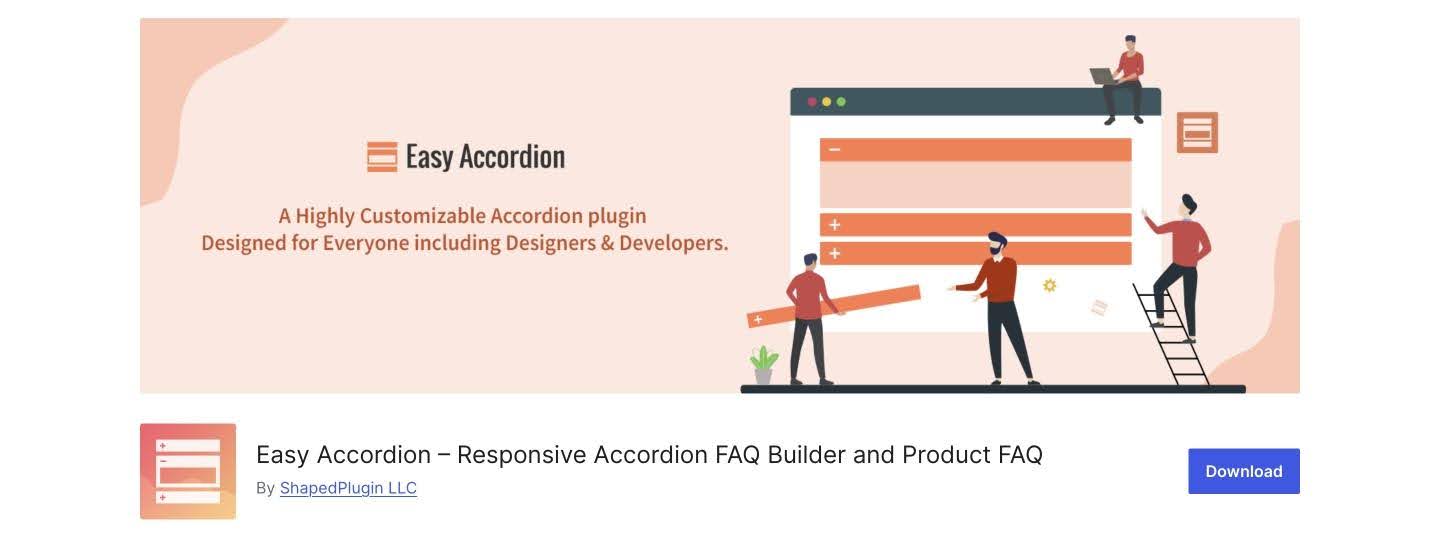
Easy Accordion is a responsive, drag-and-drop accordion FAQ builder plugin for WordPress with extensive customization options. It allows you to quickly display multiple accordions on your site or blog without writing any code.
Key features:
- Unlimited accordions on the same page
- Compatibility with any theme
- SEO friendly
- Cross-browser compatibility
Pros:
- Option to add and remove accordion items from the backend
- Keyboard navigation support
- Unlimited color and styling options
Cons: Not useful for multilingual websites.
Pricing: Free version and PRO version that starts at $29 yearly.
Lightweight Accordion (Free)
🎹 Best for creating accordion blocks for free.
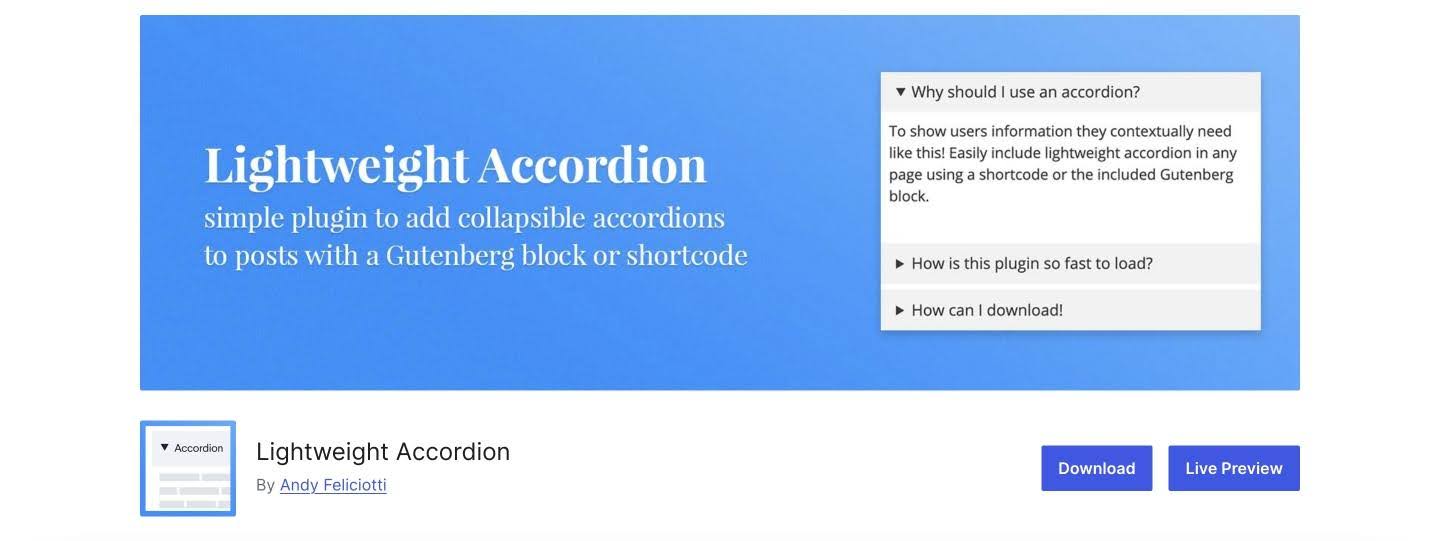
The Lightweight Accordion plugin for WordPress allows you to add collapsible elements to posts using either a Gutenberg block or a shortcode. Utilizing the HTML details tag and a few lines of CSS, it provides a JavaScript-free accordion for minimal page load impact.
Key features:
- Adding an accordion with shortcodes
- Possibility to include FAQ schema
- Ability to customize design
Pros:
- Ability to customize all parts of the accordion
- The plugin uses the native details HTML tag and a few lines of code, which is why it is lightweight
- It’s free
Cons: The plugin has only one feature.
Pricing: Free.
Accordion FAQ (Freemium)
🎹 Best for creating an accordion section with its dedicated builder for WordPress.
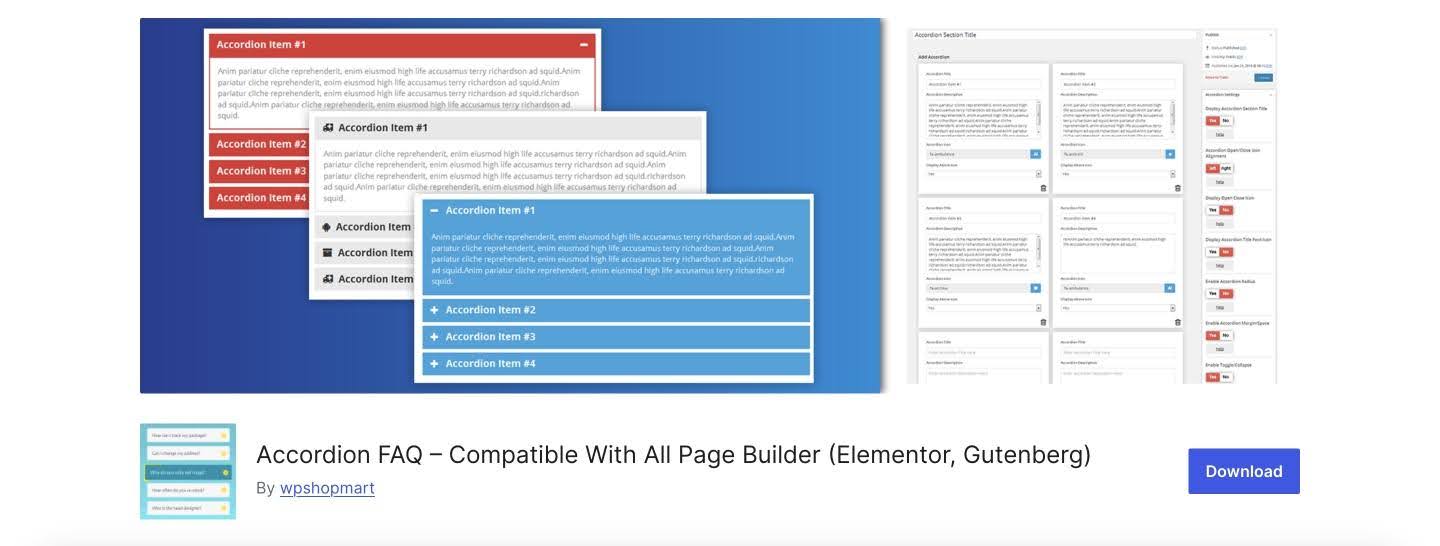
The Accordion FAQ plugin is an excellent accordion FAQ builder for WordPress. You can add unlimited accordions and collapsible elements with unlimited color options. Easily sort the position of your accordion elements in the Dashboard.
Key features:
- Create responsive accordions
- Place the accordion anywhere in the theme
- Built on the Bootstrap framework
Pros:
- Highly customizable
- Option to hide all accordions on page load or display all of them
- Draggable accordion items for easy sorting
Cons: Some users have reported bugs after updating content in the accordion block.
Pricing: Free version available, with the paid version starting at $9.
ElementsKit (Freemium)
🎹 Best for creating an accordion block with Elementor.
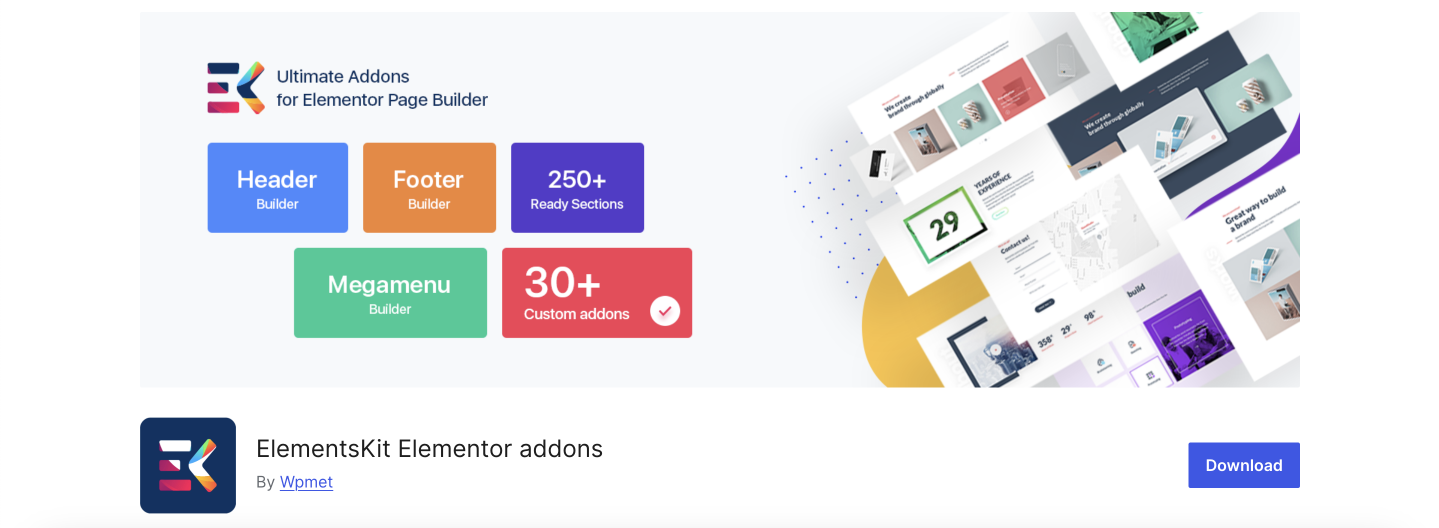
If you need to create an attractive accordion block, the ElementsKit plugin will help you out. It includes 90+ custom Elementor widgets and different add-ons that you can use to add the desired features.
Key features:
- 90+ free and premium widgets
- Option to display texts in a foldable and concise way
- Tons of styling options for the accordion block
- 26 accordion templates
Pros:
- Ability to customize every detail on the website
- Cross-browser and Elementor compatibility
- 28+ ready-made template pages
Cons: Very limited free version.
Pricing: Free version available. The PRO version starts at $49 per year for a single website.
Element Pack Pro (Freemium)
🎹 Best for building feature-rich Elementor websites with advanced accordion and FAQ widgets.
Element Pack Pro is a comprehensive Elementor add-on developed by BdThemes that extends the page builder with over 300 widgets and a library of 2,700+ ready-made templates. When it comes to accordions specifically, the plugin goes well beyond the basics, offering a dedicated Accordion widget, a polished FAQ/Accordion/Spoiler widget, and even an ACF Accordion widget that pulls content dynamically from Advanced Custom Fields. This makes it a strong pick not just for static FAQ sections, but for data-driven, automatically updated content blocks too.
You can fine-tune every detail of your accordion design directly inside Elementor, and the plugin’s performance controls let you disable any widgets you don’t need, so your site stays lean even with so many features installed.
Key features:
- Dedicated Accordion, FAQ/Accordion/Spoiler, and ACF Accordion widgets
- 2,700+ ready-made templates accessible directly inside the Elementor editor
- Dynamic content support via ACF integration for auto-updating accordion panels
- Granular widget toggle controls to load only what each page actually needs
Pros:
- Accordion widget included in the free version
- Massive widget library covering virtually every website element in a single plugin
- WPML and RTL support for multilingual and international sites.
Cons: The sheer number of widgets can feel overwhelming at first for new users.
Pricing: Free version available; PRO plan starts at $49 per year.
Accordions (Freemium)
🎹 Best for creating WooCommerce FAQ tabs.
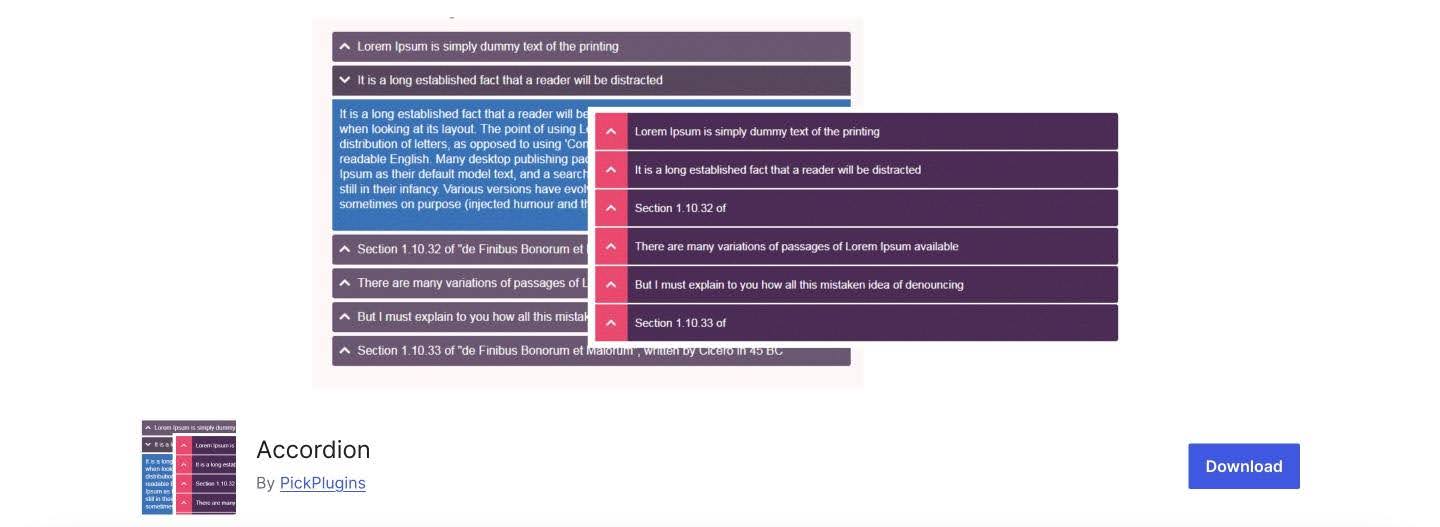
The Accordion plugin is an easy tool for creating accordions, tab content, knowledge bases, question and answer sections, WooCommerce FAQ tabs, and more. It’s super easy to customize the look, including changing colors, font sizes, and selecting accordion icons.
Key features:
- Possibility to create unlimited accordions and tabs
- Shortcode to display the accordion anywhere on the website
- Lazy load feature
- Custom accordion header icons
Pros:
- Option to set up multi-level accordions
- Header text toggle
- Ability to choose which header is active on page load
Cons: Some users mention that the plugin can be slow.
Pricing: Free and paid versions available, with prices starting at $39 per year.
Ultimate FAQ (Freemium)
🎹 Best for creating an FAQ section with Gutenberg.
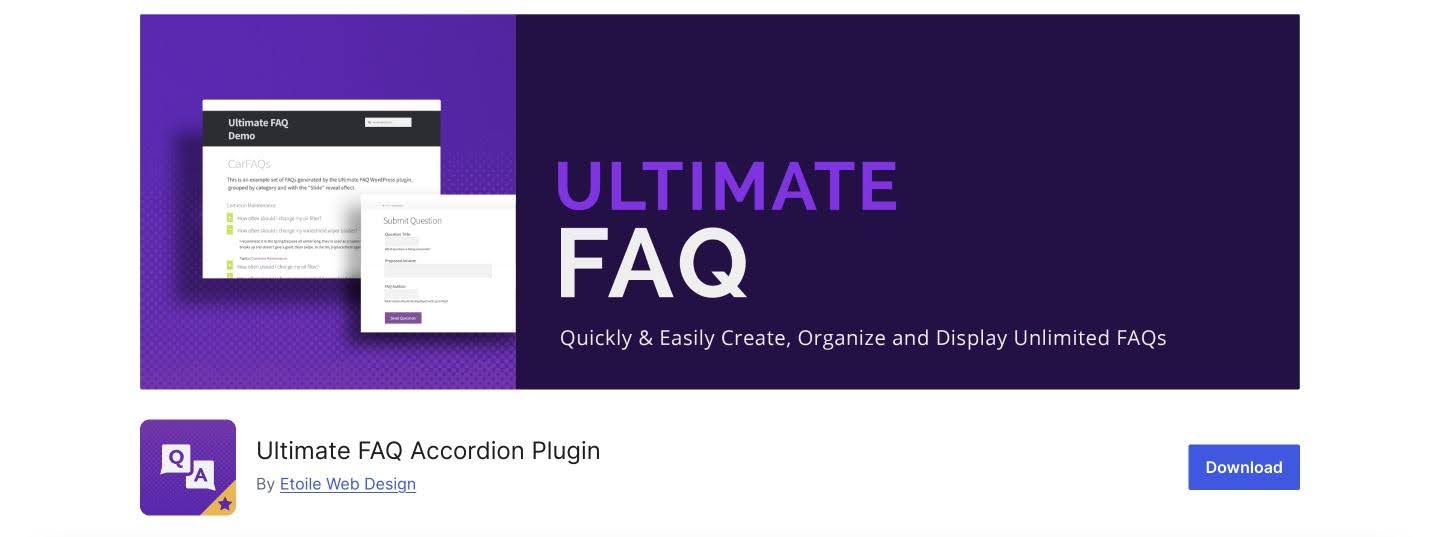
With the Ultimate FAQ plugin and its simple UI, you can quickly create FAQs and add them to your site using the included blocks, patterns, or shortcodes. It integrates seamlessly with WordPress’s built-in editor as well as third-party editors like Elementor. The plugin is translation-ready and works well on different devices.
Key features:
- Unlimited FAQ entries, categories, tags, and pages
- FAQ accordion layout
- Compatibility with third-party editors
- Automatic FAQ and FAQPage structured data
Pros:
- 15 icon sets for the FAQ toggle symbol
- Social media sharing for your FAQs
- Custom fields for FAQs
Cons: Very limited free version.
Pricing: Free and paid versions available, with prices starting at $67 for a lifetime license.
Conclusion
An accordion is a useful element that can improve how information is presented on your website. It helps break large blocks of text into smaller sections, making content easier to scan and allowing users to focus on what is most relevant to them.
We hope this selection helps you find the right accordion plugin for your WordPress site, based on the features, flexibility, and pricing that best match your needs.
Frequently Asked Questions
What is a WordPress accordion?
A WordPress accordion is a content element made up of collapsible sections that open and close when clicked.
How do I add an accordion to WordPress?
You can add an accordion to WordPress using a free plugin, like Lightweight Accordion, or a premium plugin with more advanced features, such as JetTabs.
Does accordion content affect SEO?
Yes, it can. Accordion content may support SEO, especially when it helps organize useful content such as frequently asked questions in a clear and user-friendly way.