Skip to content

Features > Modular DS MCP Server

Manage your WordPress sites from your favorite AI assistant

Our MCP server connects Modular DS to Claude, ChatGPT, or the AI tool you already use every day. Check on your sites, run updates, and automate the maintenance tasks eating up your time, all from the same conversation.

Works with all major MCP-compatible AI clients

Your AI now speaks Modular DS

Anything you do in your Modular DS dashboard is now just a prompt away.
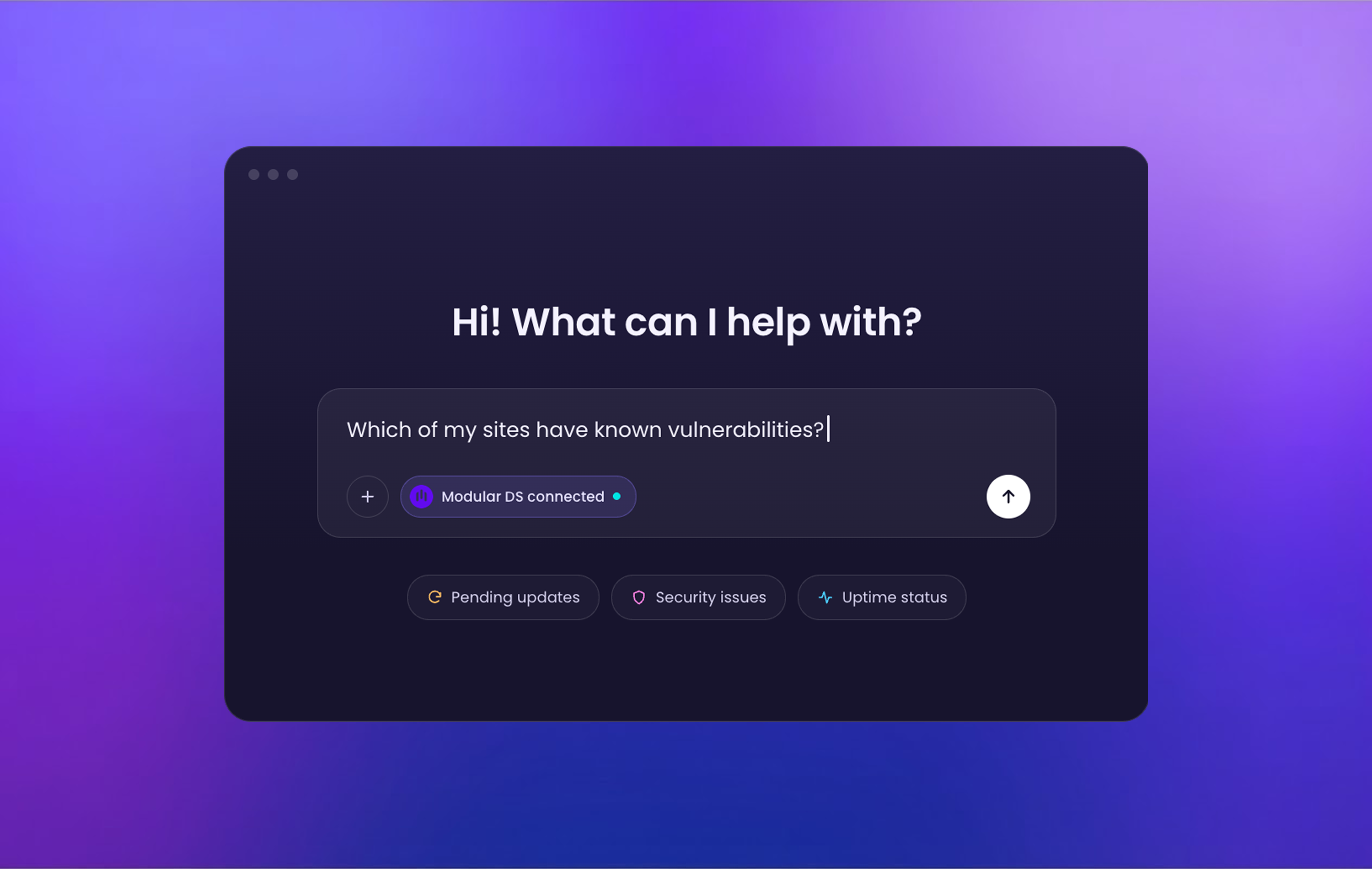
New AI chat screen with the Modular DS MCP connected, showing a question about WordPress site vulnerabilities and suggested prompts for pending updates, security issues, and uptime status.

Spot what needs your attention, faster
Which WordPress sites have known vulnerabilities? Which ones have pending plugin updates? Just ask, get the full picture, and catch risks early. No more digging manually through dashboard menus.
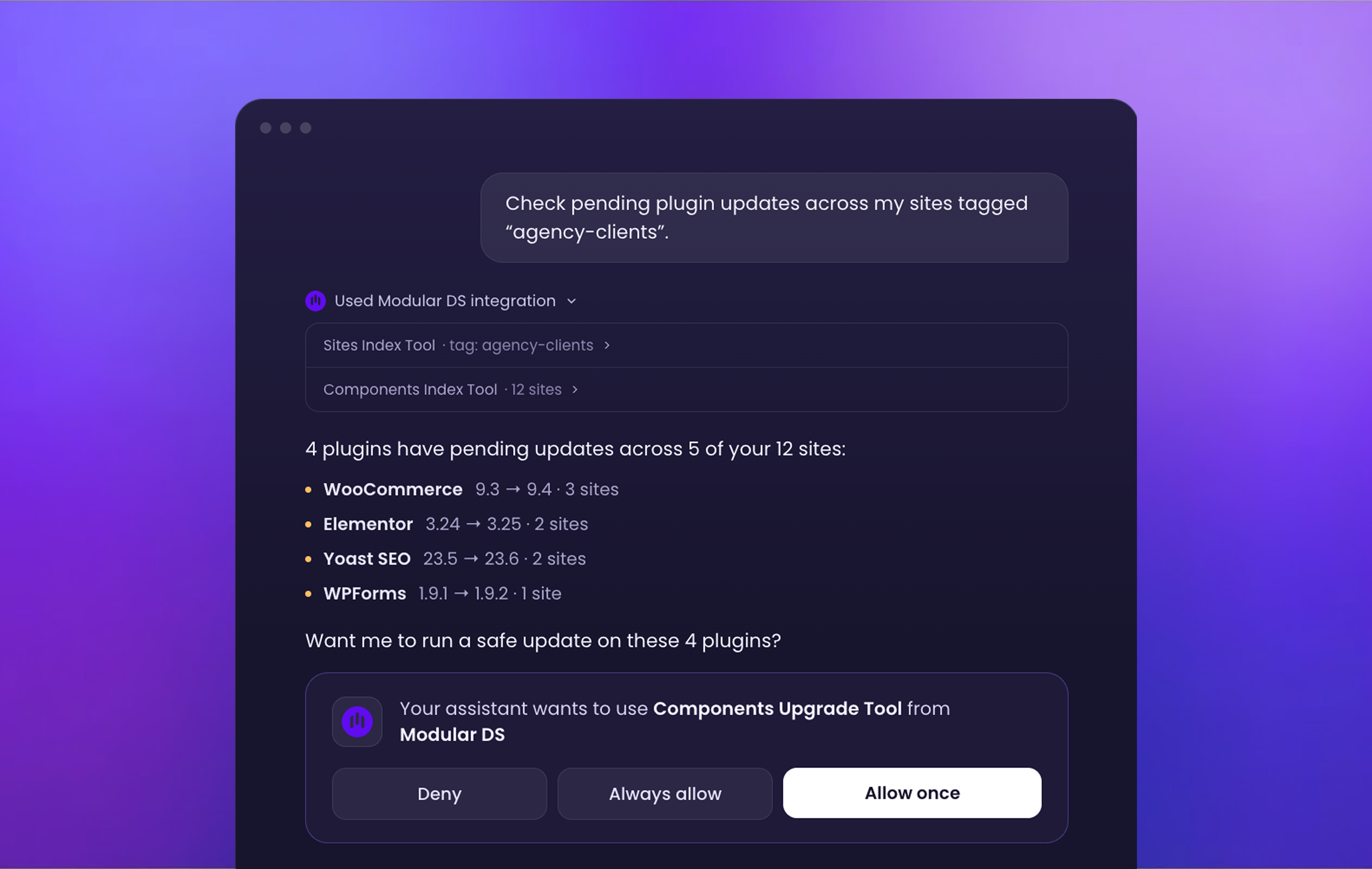
AI chat interface showing a user asking Modular DS which sites tagged "agency-clients" have pending plugin updates, with a list of outdated plugins and a confirmation prompt before running a safe update.

From question to action in one conversation

Check updates, backups, or uptime across your managed sites in a single chat. Then let AI handle a one-off maintenance task or set up an automation for you, safely and on your terms.
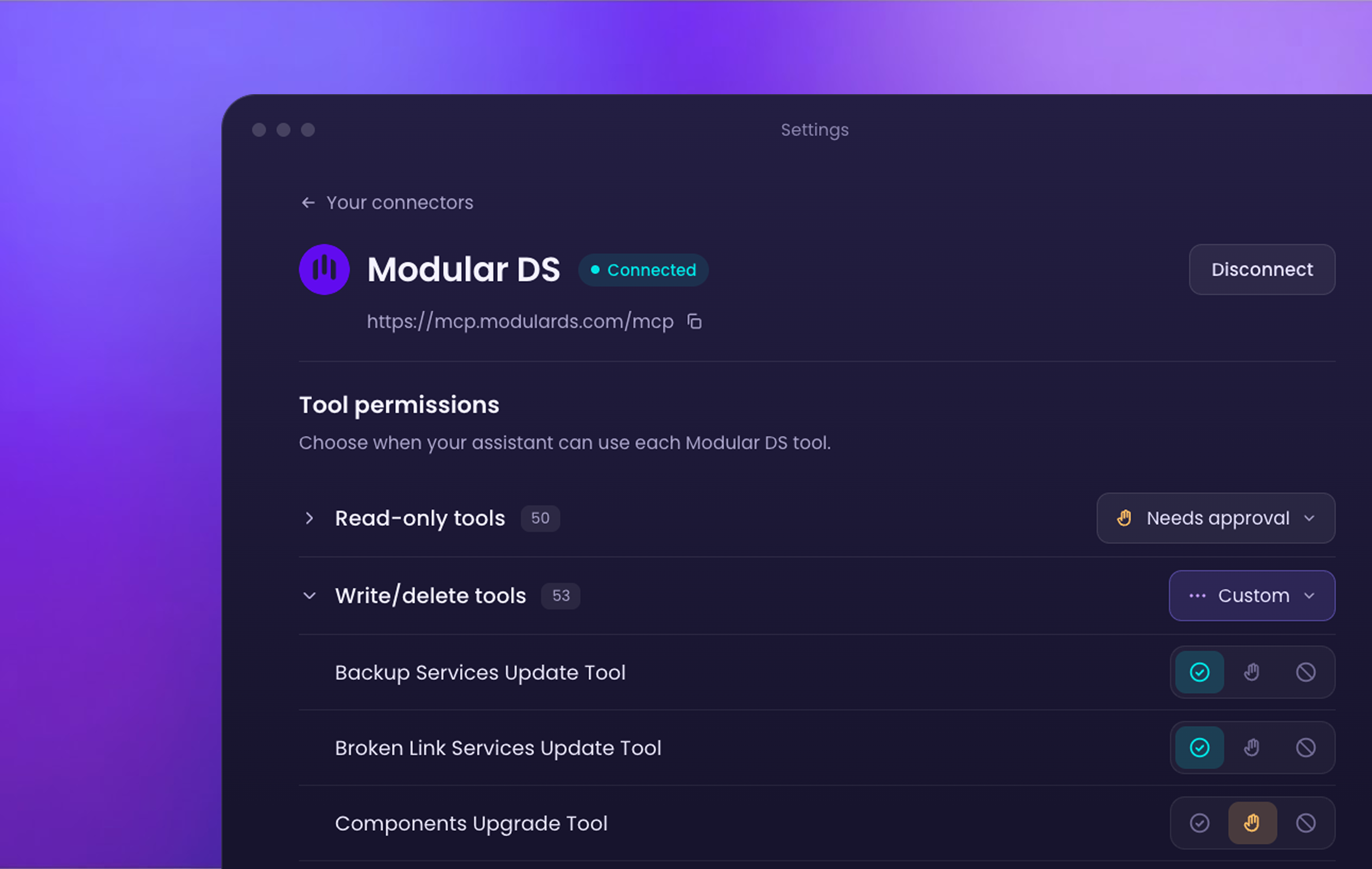
Tool permissions for the Modular DS MCP connector.

Your AI workflows, now with Modular DS

Bring Modular DS into the daily AI-assisted workflows you and your team already rely on. Get speed and efficiency at scale while staying in control of what the connector can and can’t do on your sites.

How it works

Three simple steps between you and managing your sites in one AI conversation.

Connect

Add the Modular DS MCP server to your AI tool, like Claude or ChatGPT. No new installs, no API keys.

Authorize

Sign in with your Modular DS account to grant access and set which permissions you want to give the connector.

Ask AI

Ask questions, request changes, or have your AI assistant handle anything on your maintenance list.

Steal these prompts

 Not sure where to start? Try one of these, then make it your own.

Everyday site management & organization

Site portfolio overview

Show me all the sites connected to Modular DS, with a quick overview of each one's status.

Maintenance mode

Put "example.com" into maintenance mode.

Bulk tagging

Tag all [team or client]'s sites as VIP-client.

Updates

Pending updates

What plugins have pending updates?

Safe bulk update

Run a safe update on Elementor across all my sites tagged [your tag].

Smart update automation

Turn on automated updates for all plugins on “example.com” every Wednesday and only if the Update Copilot score is higher than 80.

Security & vulnerabilities

Critical risks

Which of my sites tagged [your tag] have critical Security & Health errors?

Vulnerability triage

List the known vulnerabilities across my sites by severity.

Malware check

Has any of my sites failed a malware scan?

Frequently Asked Questions

MCP stands for Model Context Protocol, an open standard that lets an AI client connect to an external service, like Modular DS, so it can read information and take action on it. Once connected, your AI assistant has the context of your Modular DS account, so you can ask what you need to know about your sites (like pending updates), have it flag what needs improving, and handle tasks like setting up a backup. All from the same AI chat you already use every day.
This beta version includes 100+ tools covering most of what you do from your Modular DS dashboard, like connecting and organizing sites, updating plugins and themes, checking security and vulnerabilities, setting up backups, monitoring uptime, or applying global configurations, among others.

A few things are not available yet, including creating or scheduling reports, managing notifications, or configuring the Patch & Protect add-on. We’re shipping improvements and new tools regularly, so the list keeps growing.

Yes, the MCP uses the same permissions as your Modular DS account. What it can see and do depends on your role and access there, plus the read and/or write permissions you enable on the connector itself.

Your AI never has more access than you already have in Modular DS, so you’re always in control. You can also revoke access at any time from both your AI client and your Modular DS dashboard.

Any client that supports remote MCP servers, including Claude, ChatGPT, Cursor, VS Code, Claude Code, Codex, Perplexity, Antigravity CLI, Mistral/Le Chat, and Windsurf.
No, the connection process is pretty straightforward. Add the Modular DS MCP address (URL) to your AI tool and sign in to authorize access.

The exact steps vary slightly depending on which AI client you use. We’ve explained them in detail in our connection guide.

Yes, all Modular DS plans have access to the MCP server with no usage limits (subject to a fair use policy) during its experimental phase.

What if managing your sites were as easy as asking your AI?

Learn more about our MCP server
Centralize. Automate. Scale.
Smart WordPress management, now just a conversation away.