Guide to creating WordPress maintenance reports

If you run a WordPress maintenance service, you already know the work never stops. You help prevent issues, improve performance, and keep everything running smoothly. That’s exactly what good maintenance is supposed to achieve.
The challenge is that this kind of work is largely “invisible” to clients. They see that their site “works,” but don’t necessarily understand the ongoing care behind it. And when clients don’t see what you’re doing, maintenance starts to feel like an expense. Questions appear, value is questioned, and in the worst-case scenario, churn becomes a risk.
That’s why technical tasks are only one side of the job. The other side, just as important, is keeping clients informed and confident about what’s being done on their site.
This is where WordPress maintenance reports come in, helping you show how your efforts support their business growth.
By the way, if you’re not yet offering WordPress maintenance services, this article can help you understand why it could be a real revenue opportunity for you.
Table of contents
Why WordPress maintenance reports matter
When you launch a new website, the result is obvious. There’s something to explore, something to present internally, something that feels new.
Maintenance is different: it’s continuous, incremental, proactive.
Regular reporting helps clients:
- Understand the work happening behind the scenes.
- See ongoing monitoring, prevention, and improvements over time.
- Feel confident that someone is actively looking after their site.
For you, maintenance reports are a practical tool to:
- Show why your ongoing site care service matters.
- Reduce the chances of awkward “what exactly are we paying for?” conversations and friction around recurring payments.
- Establish clear, consistent communication touchpoints that strengthen relationships and build trust over time.
In short, reporting creates a win-win scenario for both sides. When clients trust you and understand the value of your work, they’re more likely to stay, opening the door to additional services and helping you build long-term revenue.
What to include in a maintenance report
Not every report needs to include everything. It depends on the project, the service agreement, and the client’s priorities.
That said, here are the most common elements of WordPress maintenance reports.
Maintenance and security updates
Abandoned or outdated plugins and themes are one of the most common causes of security vulnerabilities and compatibility issues in WordPress sites.
However, many clients aren’t fully aware of how central this work is to ongoing maintenance. Updates can seem routine, almost mechanical, but they are one of the most critical parts of keeping a site reliable and secure.
Including theme, plugin, and WordPress core updates in your reports allows you to add context to that work. Rather than simply listing what was updated, explain what it helped prevent or improve. For example:
- Were known vulnerabilities patched?
- Were potential compatibility risks monitored?
- Did you detect and resolve any conflicts after updating?
- Did you test updates before applying them to the live site?
These details can turn a simple update log into something more meaningful for your client, helping them understand that their site is not only updated but also actively monitored and protected.
Backup and recovery strategy
Backups are another core part of responsible WordPress maintenance. Reporting on them provides reassurance, showing clients that a recovery strategy is in place and that their site data can be restored if updates fail or something unexpected happens.
In particular, clients may appreciate knowing:
- How frequently backups are performed
- Where they are stored (for example, off-site or in cloud storage)
- What type of backups are used (full, incremental, or both)
- The date of the latest successful backup
Uptime monitoring
Including uptime statistics in your maintenance report helps clients see how consistently their site has been available. Plus, it serves as visible proof of ongoing oversight.
Visual elements are especially helpful here. For example, an uptime percentage or chart allows clients to quickly grasp site reliability without needing technical explanations.
If there were any interruptions during the reporting period, explaining what happened and how it was handled adds useful context while showing that the site is also supported when needed.
If you’d like to go deeper on this topic, including how to set up checks, how often to monitor, and which tools to use, check out our guide to WordPress uptime monitoring.
Performance metrics
Website performance directly impacts how visitors experience a site and how well it converts and ranks in search results.
Many professionals rely on PageSpeed Insights or other monitoring tools to track key metrics, such as average load times, mobile performance indicators, or Core Web Vitals. Integrating those insights directly into your maintenance reports saves time and ensures clients can see key performance trends without having to access multiple platforms.
If you also implemented optimizations, like caching adjustments, image compression, or database cleanups, this is the place to connect those actions to measurable results.
Traffic and store analytics
Most clients won’t log into analytics platforms regularly. And even when they do, navigating dashboards and interpreting metrics isn’t always straightforward.
Your reports can simplify that process. Highlight traffic trends, top-performing pages, traffic sources, or device breakdowns that your clients can understand at a glance.
If the site includes e-commerce functionality, the business impact becomes even clearer. Including orders, revenue, average order value, or even the most frequently used coupons helps translate site activity into results.
When technical work is shown alongside key business indicators, your WordPress maintenance service will become easier to connect with tangible outcomes.
SEO insights
Search visibility tends to resonate with most clients. Whether they think in terms of traditional search engines or AI-driven results, discoverability matters to them.
A WordPress maintenance report doesn’t need to replicate SEO dashboards. However, if you work with Search Console, Semrush, or other audit tools, it can be a great place to summarize:
- Keywords gaining traction
- Pages increasing in visibility
- New queries appearing in search results
- Noticeable drops that may require attention
- Ongoing answer engine optimization (AEO) content work or monitoring
This keeps clients informed about key SEO insights without overwhelming them with technical details.
Database optimization
Over time, WordPress databases can accumulate unnecessary data, such as post revisions, spam comments, expired transients, or unused metadata.
Periodic cleanups help improve efficiency, reduce server load, and prevent performance issues.
In your maintenance reports, briefly explain what was optimized and why. You can also include the types of data that were removed (revisions, transients, etc.) or the reduction in database size after the optimization.
Website changes and completed tasks
If your service includes content updates, landing pages, design tweaks, or SEO improvements, make sure they’re documented.
This is especially important if your site care plans include a small bucket of hours for ongoing changes or if you bill maintenance based on time. Listing these tasks, as well as the time invested, makes the scope of your work clear and helps prevent misunderstandings down the line.
Suggestions for improvement
Few professionals take the time to include this, but it can make a big difference.
Closing your WordPress maintenance report with one or two recommendations demonstrates initiative and strategic thinking.
You might suggest:
- Performance improvements
- SEO opportunities
- UX or feature enhancements
- Security upgrades
This approach helps position you as a long-term partner rather than someone who only handles routine tasks. It also creates space for future improvements and expanded collaboration when the timing is right.
How often should you send WordPress maintenance reports?
As with most things in client communication, consistency matters more than volume.
Monthly reporting generally works well for most websites, as it allows enough time for meaningful changes while keeping regular communication. High-activity e-commerce projects or fast-moving content websites may benefit from biweekly or even weekly summaries.
The key is alignment on expectations: agree on a schedule that works for you and your client, and stick to it reliably. This builds trust more effectively than irregular updates.
Bringing automation into your reporting process
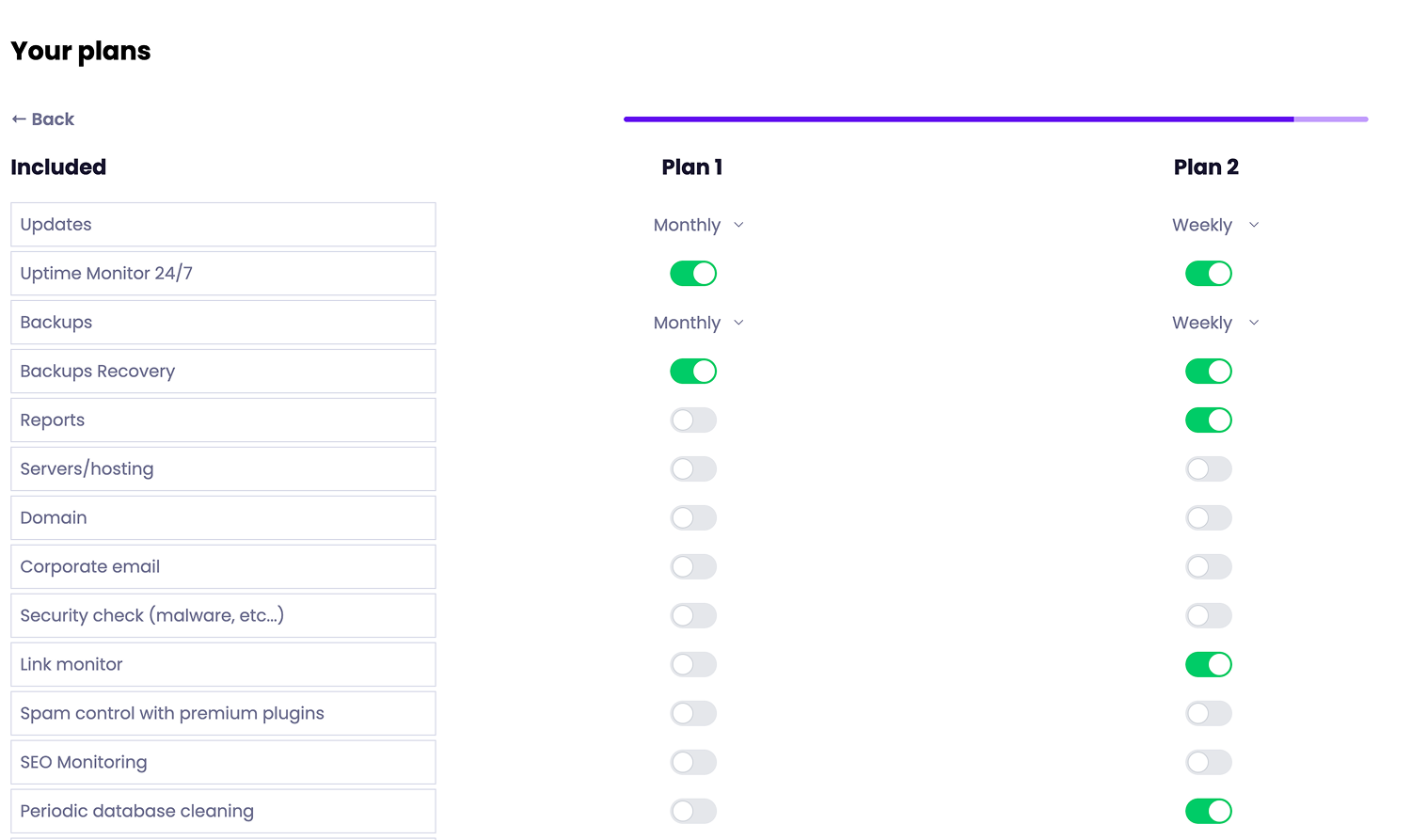
Manually creating tailored WordPress maintenance reports for multiple clients can quickly become time-consuming. And as your portfolio grows, keeping the process consistent gets even harder without the right systems in place, which often means it ends up falling to the bottom of your priority list.
Fortunately, tools like Modular DS bring reporting into the same platform where you manage updates, monitoring, and backups, making it easier to automate and demonstrate the value of your maintenance service as you scale.
With Modular DS, you can:
- Generate pre-maintenance reports to show potential clients what their site needs, including pending updates, detected vulnerabilities, and critical issues. Very useful for making your proposal easier to understand and sell right from the start.
- Create reports for one or multiple sites at once. Each report automatically pulls in your client’s site data, key stats, and completed work.
- Integrate tools such as Google Analytics, Search Console, WooCommerce, and PageSpeed to include relevant metrics directly in your reports.
- Build custom report templates with your preferred sections and settings, or clone previous reports to use as a starting point.
- Preview reports and schedule delivery monthly, weekly, or on demand. They can be sent as PDFs or online pages that clients can easily access.
- Add clients and assign them to specific websites so scheduled reports are automatically sent to the right recipients.
- Personalize report emails using dynamic fields for more tailored communication.
Whether you’re setting up one-time or recurring reports, you can also choose to include:
- Completed or pending WordPress core, plugin, and theme updates
- Uptime monitoring statistics
- Backup and database optimization information
- Analytics, SEO insights, and performance data
- WooCommerce metrics
- Security insights such as detected vulnerabilities and blocked attacks (if you’re using the Patch & Protect add-on powered by Patchstack)
- Custom notes and tasks
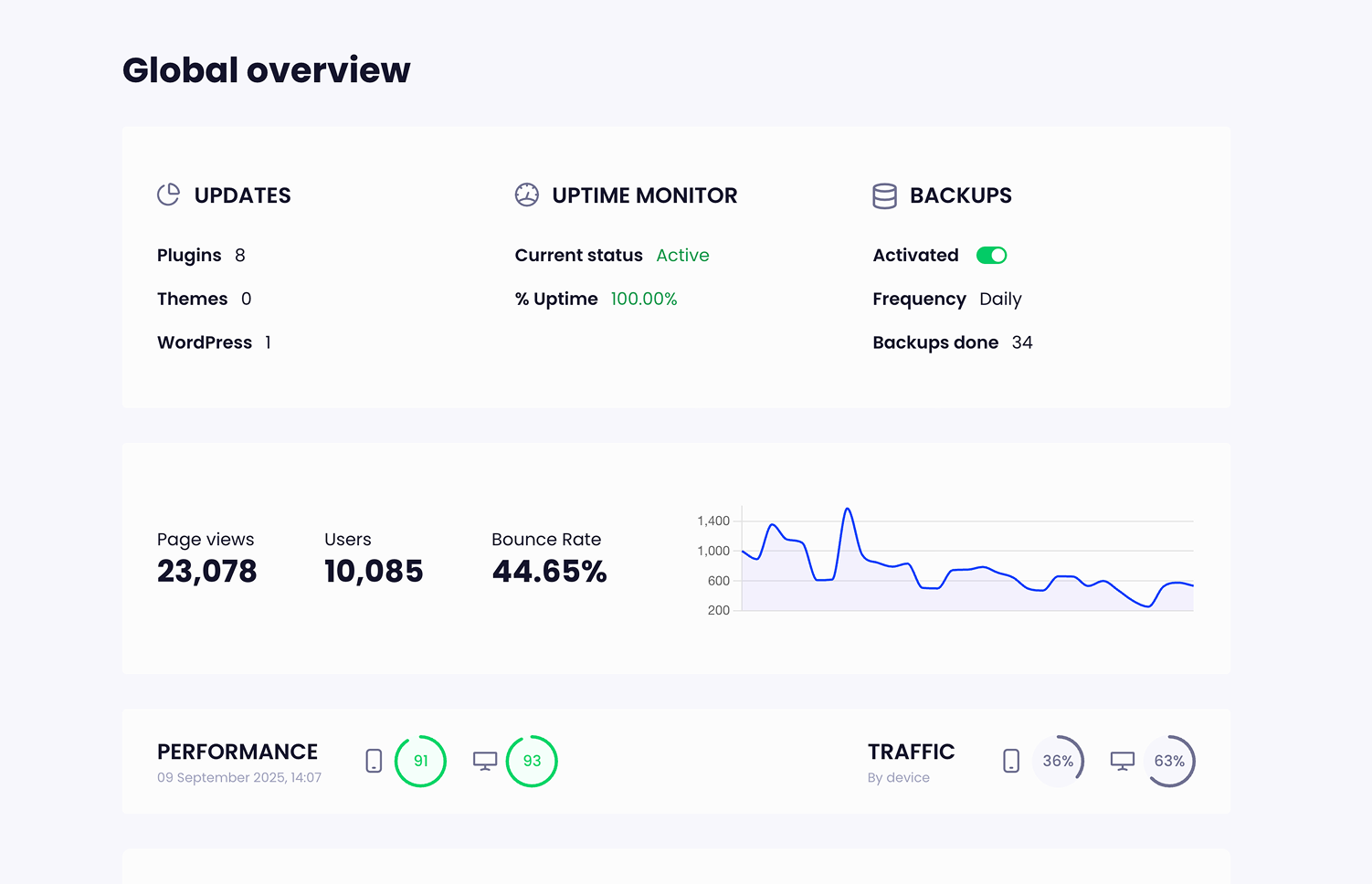
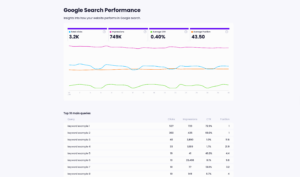
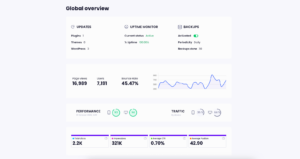
Here’s an example of a maintenance report built with Modular DS.
Tips to make your maintenance reports more effective
Beyond structure and content, the way you present your report can also shape how your service is perceived.
- Start with a good summary. A concise overview at the beginning helps clients quickly understand the key developments: what changed, what was handled, and what deserves attention. Some agencies also include a short, standardized description of what their maintenance service covers. This avoids rewriting the same explanation each month and keeps reports easier to automate.
- Keep it relevant and clear. Including every metric available or overly detailed tasks doesn’t always communicate value. Select the information that aligns with the client’s goals and explain it in simple terms, focusing on outcomes. Remember: your goal is not to impress with complexity but to make your work easy to understand.
- Pay attention to branding and small details. A well-designed and structured report feels intentional. Including tailored content, your logo, and even your client’s branding signals professionalism and care.
- Use visuals intentionally. Charts, graphs, or screenshots can make data easier to interpret at a glance, helping communicate progress more effectively.
- Invite questions or feedback. Maintenance reports shouldn’t be one-directional. A short line at the end that encourages questions can open the door to dialogue, improvements, and a stronger partnership over time.
Final thoughts
Sustainable growth often comes from retention: from clients who trust your work and, over time, become the foundation of steady recurring revenue. That’s where maintenance reports play their role.
We hope this guide gives you a clear picture of what to include and how to leverage them to keep clients investing in your services month after month.
If you’re looking for a reliable system to support that growth and scale your WordPress maintenance business, you can try Modular DS for free 😉